You have the best phone on the market, and it says you have service. Your email, CRM, or call says you don't. It isn't the hardware's fault; connectivity is far more complex than the bars suggest. And a frozen frame on a Zoom or Teams call leaves an image your coworkers will bring up for days, sometimes weeks, all because you couldn't find a better place to take the call.


Connection assurance for anyone that requires a usable connection. Launching on the App Store and Google Play.
For iPhone and Android · No accounts, no ads, your privacy controlled by you.

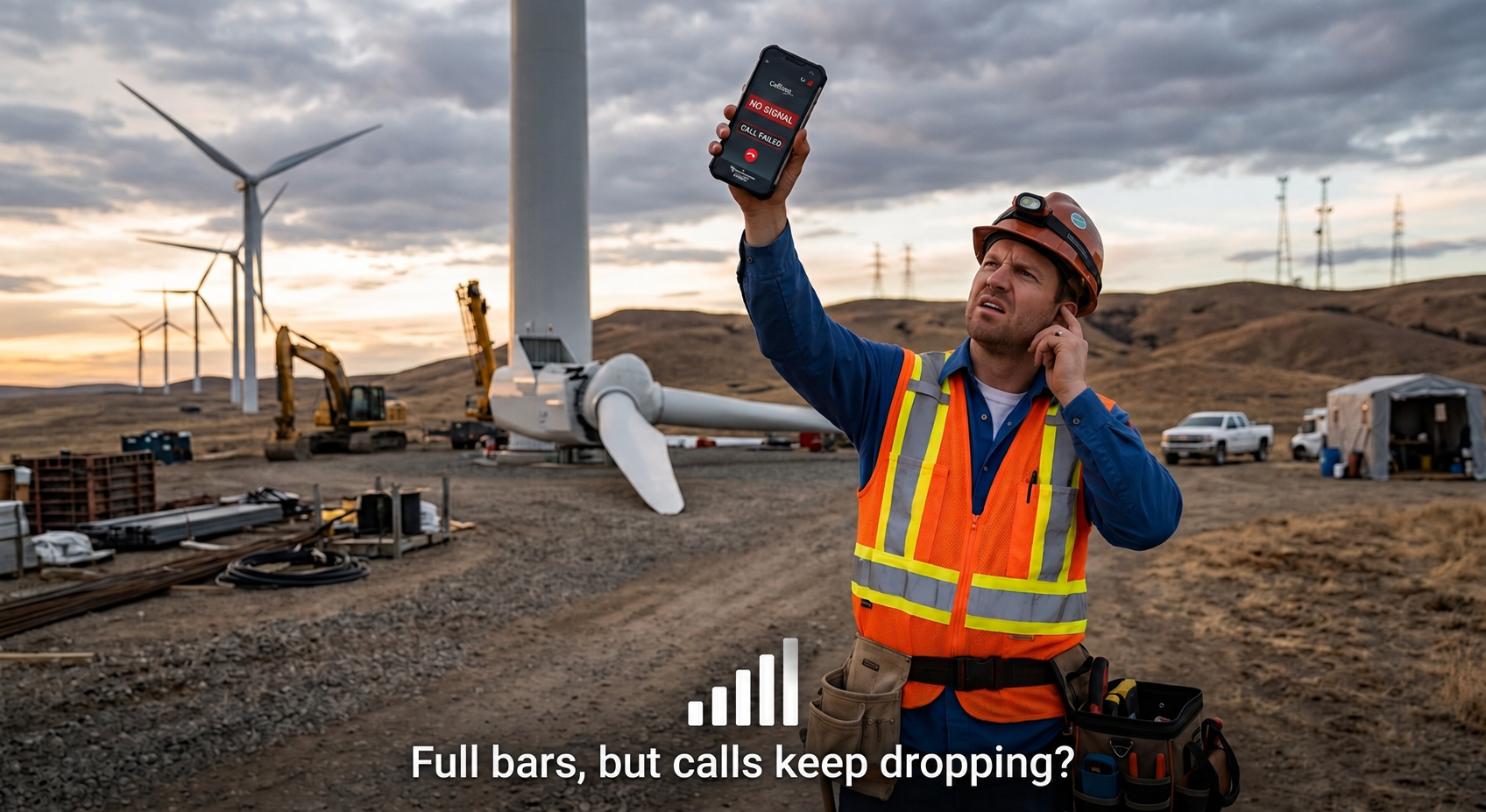
Signal bars tell you a radio connection exists. Did you know that most people aren't aware that your cellphone operates using radio waves? For most people, that is interesting information, but what they really need to know is simpler: can I actually use this connection right now? pingVu never guesses from the bars. It completes a real, secure connection over the exact network being checked, and only then tells you service is usable.
See how it workspingVu watches your cellular and Wi-Fi paths independently, in real time, using only public system signals — including whether a path looks constrained or expensive.
Before ever alerting you, it completes a real secure connection over the specific network being checked. Traffic actually flowed — or no alert.
The moment usable service is verified back: sound, haptics, or silent, your choice, per network and per quality tier. Stop watching the bars and get back to work.
When the connection where you are isn't usable, pingVu helps you find one that is: SignalScout reads verified quality as you move, and MeetingScout points you to a proven call location before the meeting starts.
Need a stable connection for that important customer call? pingVu helps you find a usable connection before the call, and tells you when service is back so you can update the CRM and move on.
pingVu for field salesStop guessing whether the network is back at the job site. pingVu monitors whether your connection is actually usable and alerts you when usable service returns, so uploads, work orders, and check-ins go through the first time.
pingVu for field serviceShowings, lockboxes, e-signatures, and client calls happen in basements, rural listings, and new builds with no coverage yet. Know before the showing whether the signing will go through, and where to step out to take the offer call.
Working from a train, a hotel, a client site, or a home office at the edge of coverage. VideoScout confirms the connection can hold a video call before you join, and pingVu tells you when it is safe to rejoin after a drop.
Crews, drivers, and inspectors move through dead zones all day. pingVu monitors in the background, queues what you couldn't send, and alerts you when usable service returns so dispatch and documentation catch up on their own.
Airports, transit, venues, and road trips. See the verified quality where you are, find a usable spot for the call, and stop checking the phone between stops.
Your verified connection quality at your current location, with a trend (improving, steady, declining) and a hands-free audio meter: faster ticks indicate a stronger measurement, so you can locate a usable connection without watching the screen.
Need a stable connection for that important call? Choose a verified call spot from your own and community history, get a travel-time estimate, and a leave-by reminder so you make the call.
Streams a short test video and measures what a video meeting will actually experience on this connection: startup time, stalls, and the quality level it sustains. Also available in your browser.
Download, upload, ping, jitter, packet loss — plus an estimated call quality (MOS) score computed with the industry-standard ITU-T E-model.
Your personal map of where service worked and where it didn't — plus an optional anonymous community layer showing real verified coverage.
Walk your home with your phone and get a 3D map of where Wi-Fi and cell service actually work, room by room. Move your router, re-scan, see the difference. Part of pingVu Pro.
Draft texts and calls while you're offline. The moment service is verified back, they're one tap from going out — nothing ever auto-sends.
Bigger controls, higher contrast, boosted alerts, screen-awake — built for gloves, glare, and jobsites. Plus widgets and glanceable status on iPhone and Android.
Every cell on the pingVu community map comes from a real device that verified a real connection — shared anonymously by users who opted in. Locations are coarsened to roughly 150-meter areas and 15-minute windows on the phone, before anything is sent. No accounts, no identifiers, ever.
Community sharing is available worldwide. It is opt-in and off by default.
Explore the coverage mapNo app needed — run pingVu's connection check in your browser: download, upload, latency, and jitter, graded in plain language.
Run the free speed testThe web test sends no data to pingVu — results live and die in your browser.
Everything pingVu records stays on your device unless you explicitly opt in to anonymous community sharing — and even then, anonymization happens on your phone before anything is transmitted. The developer publicly commits to never attempting to re-identify contributed data. This website holds itself to the same standard: no ad pixels, no trackers.
Read the privacy policyVerified quality tiers, restoration alerts, Live Activity and Dynamic Island, Home and Lock Screen widgets, and an Apple Watch companion.
The same verified quality tiers and restoration alerts, plus measured signal strength shown alongside the tier, widgets, and a persistent status notification while monitoring.
